School leaders
Getting your school ready: devices, internet and the timetable
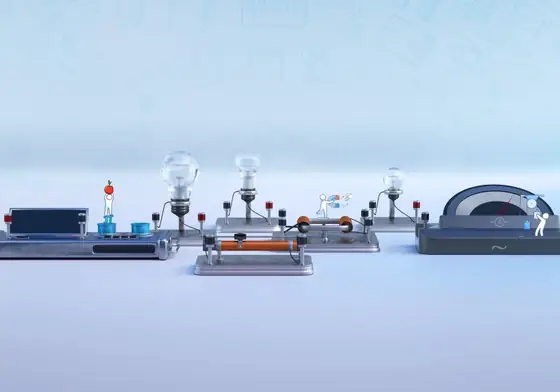
Virtual labs run in a web browser, so most schools already have much of what they need. A short readiness check avoids problems in the first weeks.
Devices
- Desktop or laptop computers with an up-to-date browser work best.
- One device per pair of learners is a good target.
- Check that screens, keyboards and mice work.
Internet
The labs run in the cloud, so each device needs to be online during lessons.
- Test the speed in the computer room at the time of day lessons will run.
- If bandwidth is limited, schedule fewer simultaneous classes.
- Ask your internet provider about education packages.
Accounts
- Decide who will manage accounts: a lead teacher or the ICT teacher.
- Create teacher accounts first, then student accounts.
- Keep a secure list of logins.
Timetable
- Give each science class a fixed slot in the computer room.
- Agree a shared timetable with the ICT department.
- Leave one free slot a week for catch-up and clubs.
People
- Name a virtual labs champion in the science department.
- Plan a short training session for all science teachers.
First month
Start with one or two classes, solve problems, then expand.
Book a demo and we will run the readiness check with you.